Getting Started with Referral Connect
Overview
Many institutions require applicants to submit recommendation letters from previous employers or academic instructors as part of the enrollment process.
To streamline and support this need, we’ve introduced “Referral Connect” a smarter, more seamless, and fully customizable recommendation workflow that empowers institutions to make faster, clearer, and more confident decisions.
Why the Update & What’s New?
Referral-based admissions have always been supported within the Meritto platform. But as processes evolved, the need for greater control, visibility, and adaptability became clear.
That’s why we’ve reimagined the experience with Referral Connect, an enhanced recommendation management workflow built to reflect how institutions actually operate today.
It’s designed for teams that rely on recommendations to identify the right candidates but don’t want to be slowed down by rigid systems, unclear handoffs, or blind spots in applicant tracking.
With this upgrade, the process becomes more flexible for institutions, more transparent for applicants, and more seamless across all stakeholders, so decisions can be made faster, smarter, and with full context.
Plan & Permissions
This feature is introduced as an add-on and will be functional only when you have opted for the Application Automation Platform.
Referral Connect Permissions:
- Referral Connect: Grants you the ability to create and edit Referral Connect workflow.
- Re-send Communication to Referee: Allows backend users to re-send communication to the referee.
Dependencies:
- The feature must be activated in the institution’s plan.
- User roles must have appropriate access levels to manage workflow settings
Navigation & Access
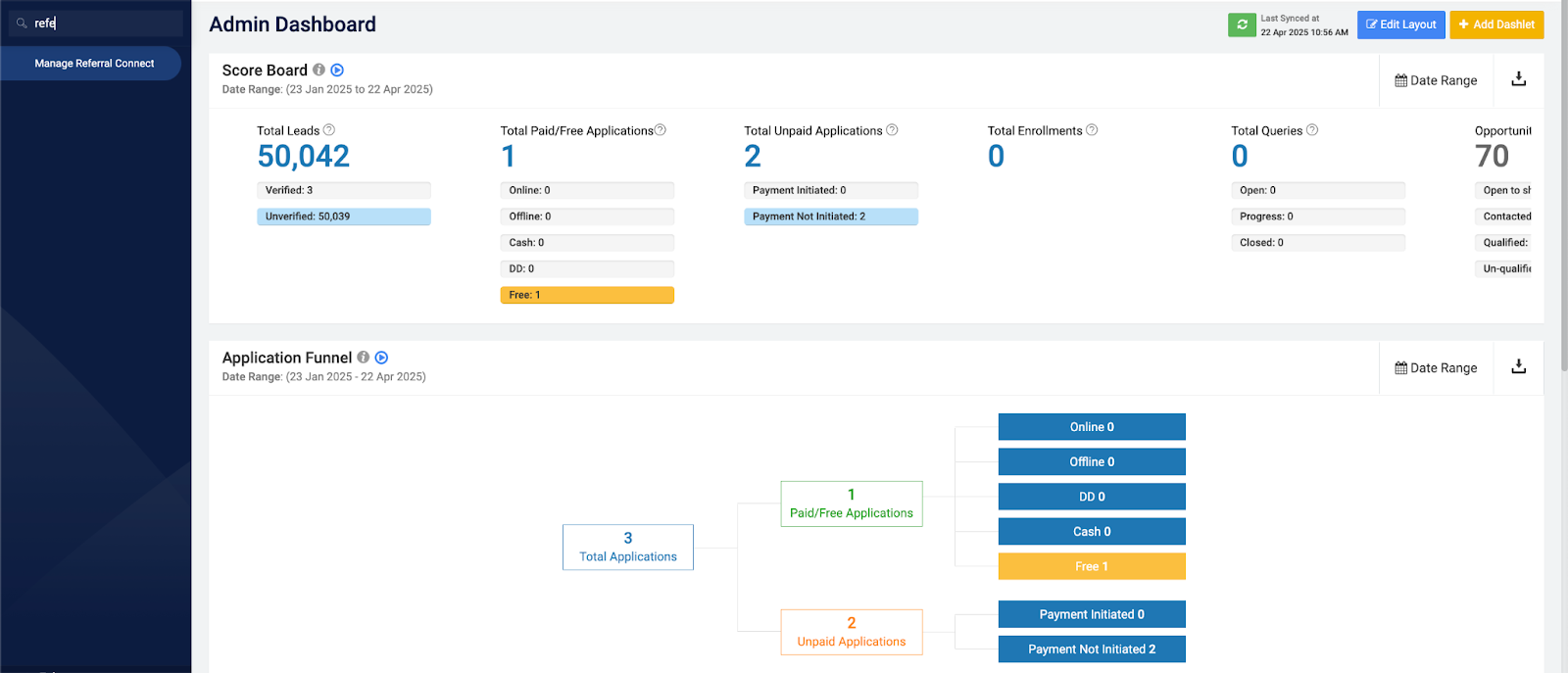
You would be able to find the Manage Referral Connect in the menu under the Application Manager listing or else search for the Manage Referral Connect in the menu search and then click on the Manage Referral Connect listing.
Business Relevance
The Referral Connect feature introduces a smart, automated mechanism to collect structured recommendations in real time, directly from designated recommenders.
With the Referral Connect, it would have the following business impact:
- Process Automation: Reduces manual intervention and accelerates decision cycles.
- Standardisation: Ensures consistent data collection across all applications.
- Better Decision-Making: Structured feedback provides a reliable basis for scoring applicants.
- Improved Communication: Seamless experience for recommenders, enhancing response rates.
Conclusion
By implementing Referral Connect, institutions can digitize and streamline a critical aspect of the admission process, enabling more informed, timely, and scalable admissions decisions.
In many academic institutions and professional programs, recommendations from credible sources such as academic professors or former employers play a key role in evaluating an applicant’s eligibility for a particular course. Traditionally, this process is manual, prone to delays, and lacks standardisation.
By leveraging Referral Connect, Institutions can automate the recommendation request and collection process during the application workflow.